The battery does not turn on, charge or discharge.Updated 6 months ago
Possible Causes
- The battery may have been over-discharged from not being charged or placed into storage mode.
- Physical damage from impacts or drops could also be the cause.
- Additionally, water damage may occur if the battery box was not properly locked.
Actions
- Always remember that batteries must never be stored empty and should be placed into storage mode after use.
- If the batteries are over-discharged, they must be replaced.
- Inspect the battery for any physical or impact damage, such as dents or scuffs. If it is damaged, the battery needs to be replaced.
- Check for corrosion on both the battery connector and the battery box connector. If there's corrosion, you need to replace the battery and/or the battery box.
- Verify that the charging dock is functioning by testing it with a spare battery.
BMS fault indicator lights:
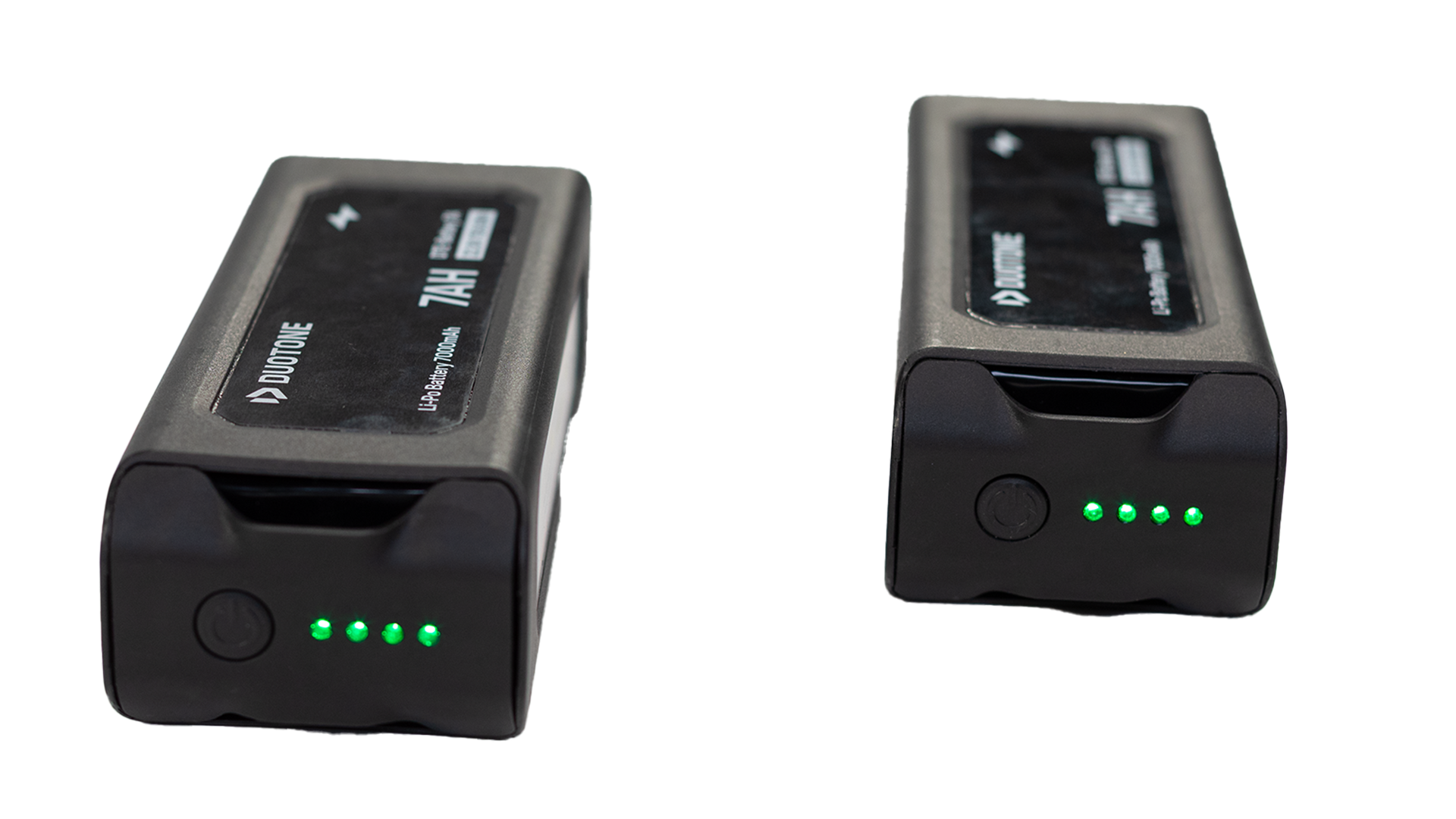
| Definition | LED 1 | LED 2 | LED 3 | LED 4 | Solution |
| Over-discharge | Flashing | Flashing | If the battery no longer turns on or charges, it is no longer safe to use and must be replaced. | ||
| High differential voltage | Flashing | Wait a few minutes, then try to charge. | |||
| High temperature | Flashing | Let the battery reach room temperature, then try charging again. | |||
| Low temperature | Flashing | Let the battery reach room temperature, then try charging again. | |||
| No signal with ESC | Flashing | Flashing | Turn the charger off and on (reset), then attempt to charge. | ||
| No signal with ESC | Flashing | Flashing | If the issue persists, the ESC on the mast likely needs to be replaced. Before proceeding, you can test with a different e-mast to confirm whether the battery is functioning properly. |
⚠ Important: Batteries must be fully charged and placed into storage mode every three months. The most recent charge cycle date is recorded on the carton near the barcode.